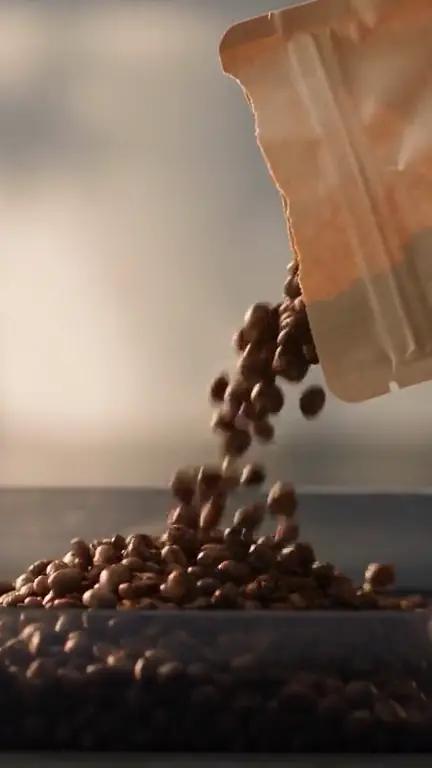
AI product images Explore a setting, composition or scene that puts your product in focus.
 Your AI ad creative studio
Create AI video ads
for your brand
Turn your idea into a video ad. Plan the script, create product visuals and explore UGC-style concepts in one Studio.
Create my first adAI images and videosCost shown before generationCancel your subscription anytime
Campaigns
Your next campaign.
One product, a few ideas, your selection.
Brief
Brand context
Specialty coffee. A warm ad for a simple morning ritual.
The right angle
Show the product in an everyday moment.
Choose concepts3
Your selection
Chosen in this preview
The morning ritual
The next step
Example content. This preview starts no renders or ad publishing.
Explore the tools with these examples. Open Studio to create your own content.
Your product deserves more than another ad that looks like everything else.
Start with what makes it different. Scenby helps you find the angle and turn it into images and videos.
From the first brief to the final edit, the creative decisions stay with you.
Video ads made with Scenby
Travel, home and sport: see different ways to bring a product to life. Select a video to watch it.
AI-generated examples. Campaign performance also depends on your offer, audience and distribution.
From idea to video in four steps
A clear workflow to plan your ad, review your creative choices and start generating.
- 01
Introduce your product
Describe your idea, add a reference image or share your website.
- 02
Shape your concept
Develop the audience, message, script and format with the Studio assistant.
- 03
Review before generating
Review your brief and credit cost. Generation starts after your confirmation.
- 04
Download your creation
Find the result in your creations, download it and prepare another variation.
One studio for every creative step.
Bring strategy, writing and production together, with the tools you need to turn your ideas into ads.
Strategy
Show what makes your product different.
Writing
Find the hook and the right words.
Identity
Keep your brand’s style consistent.
Production
Turn your brief into visuals.
A coffee. A suitcase. Your next story.
Show your product in use, highlight a detail or capture an everyday moment. Choose the approach that speaks to your audience.
Home & living
Example direction · local selection
Speak your audience’s language.
Write your brief in the language you choose. Available voices and languages are shown in the creation settings.
English
Example direction · local selection
Keep your style, from one ad to the next.
Use your product images, website and brand information to give every new brief a consistent starting point.
Website
Example direction · local selection
The tools behind your AI ad creatives
Campaign planning Organize your ad ideas and choose which concepts to develop.
Brand context Add your offer, audience and tone to guide creative suggestions.
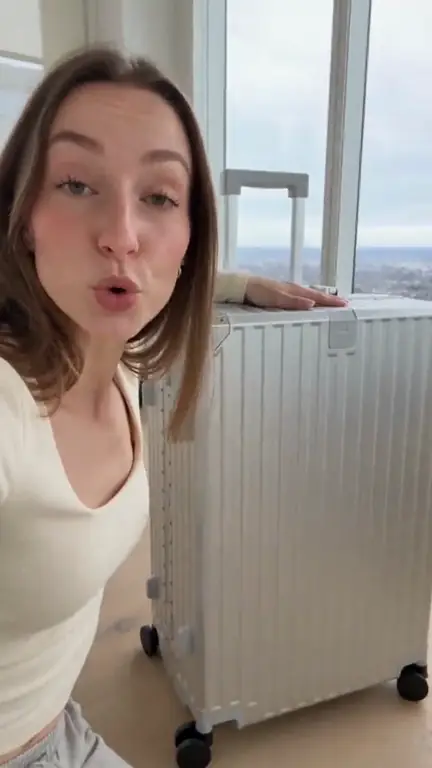
UGC-style videos Build a video around an angle, script and format that fit your product.
Visual references Use a product image to guide the composition and visual direction.
Creative variations Explore a different angle, new script or alternative product scene.



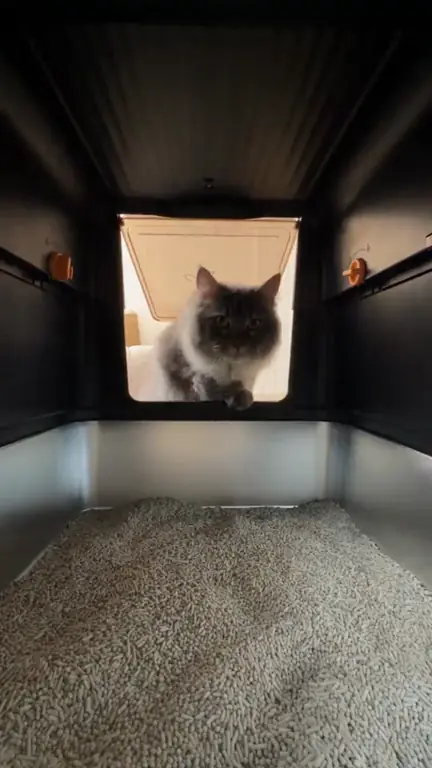
Creation library Find your generated content, settings and downloadable files in one place.
Generation cost estimate Review the required credits before you start a generation.
Coming soon
Your content, right on time.
You’ll be able to schedule your content and publish it automatically to your social media accounts, from Scenby.
Preview of an upcoming feature. Scheduling and automatic publishing are not available yet.
Your creation. Your call.
Refine the brief, check the format and review the credit cost before you start generating.
Try approving this example
Brief readyScript editableFormat selectedBrand in contextReferences savedCost before generationFind an angleWrite a hookCreate a product imageExplore a variationAdd a referenceKeep your brand’s styleRefine your briefSee the credit costCreate your video
Creative options for your next campaign
Choose a goal to start with a brief tailored to your business.
Showcase a product
Show your product in context and explain how it fits into everyday life.
Plan this projectPlan a product launch
Organize the messages and visual concepts for a new offer.
Plan this projectExplore different angles
Explore several hooks, scripts or references for the same product.
Plan this projectCreate for a client brand
Bring together your client’s brand context to develop consistent creative proposals.
Plan this projectCreative work grounded in your brand
Keep your offer, audience and references together. The assistant uses this context to develop more relevant creative briefs.
Your offer
Your audience
Your tone
Your references
Your ideas
Your creations
Stay in control of every generation
A workspace tied to your account
Access your projects and generated content from your signed-in workspace.
Generation with your approval
Review the brief and cost before starting. Exploring the examples on this page uses no credits.
Credits returned on technical failure
If a generation fails for a technical reason, the credits used are automatically returned.
Choose your Scenby subscription
Compare Basic and Pro plans for your creative needs. Each offer details the included credits, any eligible bonuses and the billing terms.
−50 %
Your first idea starts here.
Off the first month of every monthly or yearly Basic and Pro plan for eligible new subscribers. Yearly billing includes one half-price month and eleven months at the regular yearly rate.
Your personal 24-hour window and offer terms are shown after signing in.
ALL YOUR CREATIVE TOOLS
Basic
A place to startEvery model and creative tool to create at your own pace.
−50 %for the first month
€24.50/month€49
No commitment. Billed monthly.
1,000credits / month
- First invoice
- €24.50
- Then on renewal
- €49 /month
1,000 credits granted each month, valid for 60 days, including with an annual subscription.
- Every image and video model · images up to 4K
- Voiceovers
- Creative Strategist and Brand Brain
- Campaigns from a website: brand, market, strategy and concepts
- Workflows and Brand Kit · 1 brand · 1 creation at a time
MORE FREEDOM · RECOMMENDED
Pro
Create & publishEverything in Basic, plus parallel creation, unlimited brands and your Pro bonuses.
−50 %for the first month
€39.50/month€79
No commitment. Billed monthly.
1,000credits / month
- First invoice
- €39.50
- Then on renewal
- €79 /month
1,000 credits granted each month, valid for 60 days, including with an annual subscription.
- Everything in Basic · 6 simultaneous Studio creations
- Unlimited brands
- Team of up to 10 members · coming soon
YOUR PRO BONUSES
ALL IMAGE MODELS · 30 UNLIMITED DAYS
Video bonus available exclusively with Pro 10,000 credits.
No credit deductions after the first month’s payment, including at 50% off. No unlimited bonus during the €1 trial. One unlimited render at a time.
Unlimited · standard queue
Subscribers’ credit-based generations outside the bonus have priority. Your unlimited render may therefore take longer during busy periods. One unlimited render at a time, with no render-count quota.
See models and conditions
- Nano Banana 2.1 · 30 days
- GPT Image 2.5 Sunburst · 30 days
- GPT Image 2.5 Flare · 30 days
- Nano Banana Pro · 30 days
- Seedream 5 Pro · 30 days
- Grok Image 2 · 30 days
Each model’s available settings are included. The matching subscription must remain active throughout the bonus. One unlimited render at a time, included in the 6 simultaneous creations. One-time welcome bonuses per account and model, then normal credit pricing. Captions, voices and editing continue to use credits.
Coming to both plans: video translation. The Pro team workspace is also in preparation.
The number of creations depends on the model, duration and chosen settings. The quote is shown before each generation. Credits for technical generation failures are returned.
Frequently asked questions
What to know about creating content, credits and subscriptions.